

Dallas, TX, January 12, 2026
As digital storage demands increase, Dallas users face challenges managing limited hard drive space. Entrepreneurs and small businesses can utilize effective strategies to enhance productivity by optimizing storage. Innovative solutions and regular maintenance can pave the way for more efficient workflows. In this article, we discuss practical steps such as transferring photos to external storage, utilizing cloud services for documents, and cleaning up unnecessary files to help professionals make better use of their limited storage.
Dallas, TX – Maximizing Storage on Smaller Hard Drives
In an era where digital files are becoming increasingly larger, managing limited hard drive space can pose a significant challenge for many computer users in Dallas, TX. Entrepreneurs and small businesses alike often find that maximizing their technological resources is essential to maintaining productivity. Simple yet effective strategies can help users make the most of limited storage, facilitating a smoother and more efficient workflow.
Innovations in technology and improvements in data management practices can come from the creative solutions that local entrepreneurs develop. With reduced regulatory burdens, these innovations can foster economic growth and productivity gains throughout the Dallas County economy. Here are some practical steps you can take to effectively manage and optimize storage on computers with smaller hard drives.
1. Transfer Photos to External Storage
Photos are notorious for consuming significant amounts of storage space. A practical solution is to move your photo library to an external hard drive. This process allows you to liberate substantial internal drive space while still retaining access to your cherished memories. Simply ensure that the external drive is connected whenever you need to view your photos.
2. Utilize Cloud Storage for Documents
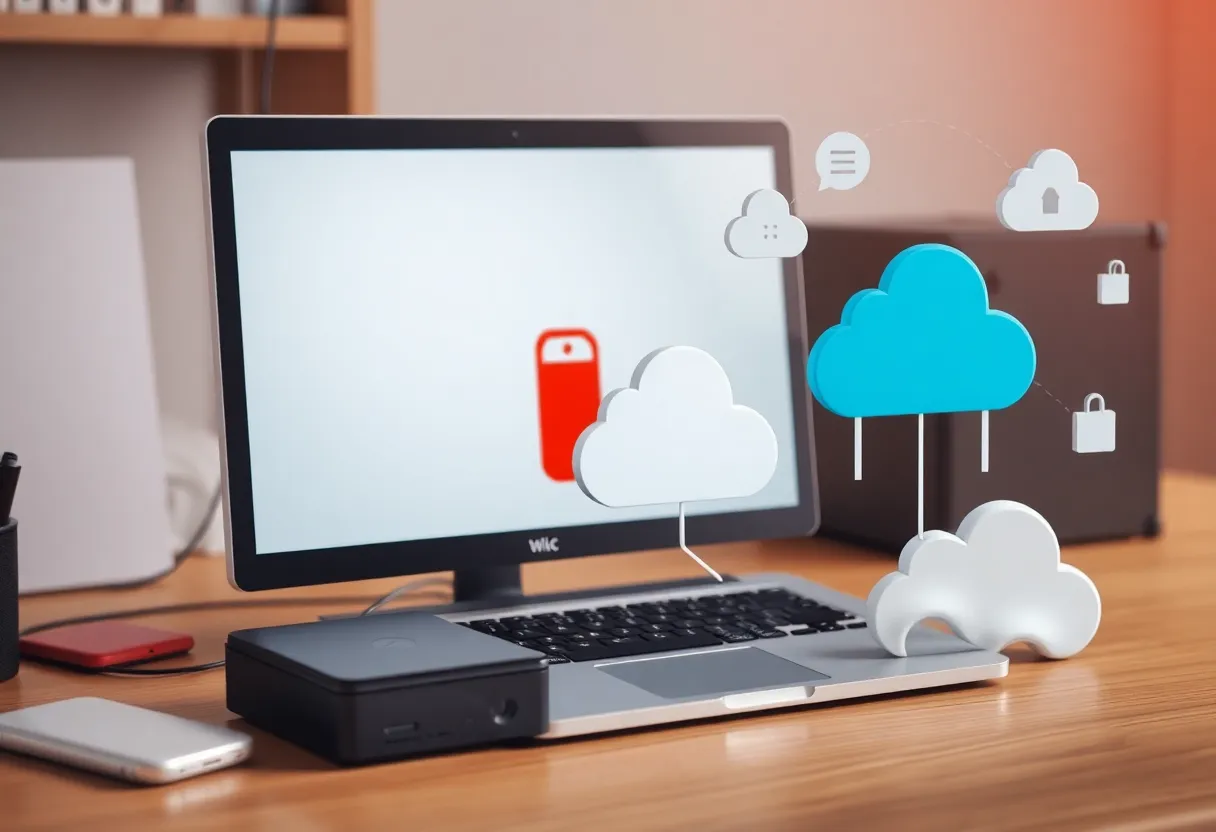
Both Mac OS and Windows offer accessible cloud storage solutions that users can leverage. By relocating your Desktop and Documents folders to the cloud, you can automatically store files online rather than on your local hard drive. This means less strain on your internal storage, as represented by the cloud icon on your computer indicating files stored online.
3. Regularly Clean Up Unnecessary Files
Regular maintenance is vital for maintaining an efficient system. Periodically review and delete files that are no longer needed, including outdated documents, duplicate files, and unused applications. This practice helps keep your computer running optimally and ensures that you utilize your storage space wisely.
4. Consider Upgrading Your Storage
When space management becomes cumbersome, think about upgrading to a larger hard drive or adding external storage devices. Increasing your storage capacity can enhance productivity and reduce frustration, allowing small business owners and tech-savvy individuals to function effectively in an increasingly digital environment.
Frequently Asked Questions (FAQ)
How can I free up space on my computer’s hard drive?
To free up space, consider transferring your photo library to an external hard drive, utilizing cloud storage for documents, and regularly cleaning up unnecessary files. These steps can help optimize your computer’s storage capacity.
What is the benefit of using cloud storage for documents?
Using cloud storage for documents allows you to store files online, freeing up local storage on your computer. This ensures your files are accessible from any device with internet connectivity.
How do I move my photo library to an external hard drive?
To move your photo library to an external hard drive, connect the drive to your computer, locate your photo library, and copy it to the external drive. Ensure the external drive is connected whenever you want to access your photos. Detailed instructions can be found online.
Key Features of Managing Smaller Hard Drives
| Feature | Description |
|---|---|
| External Storage for Photos | Transfer your photo library to an external hard drive to free up internal storage space. |
| Cloud Storage for Documents | Utilize cloud services to store documents online, reducing the need for local storage. |
| Regular File Cleanup | Periodically delete unnecessary files to maintain optimal storage capacity. |
| Storage Upgrade Options | Consider upgrading to a larger hard drive or adding external storage if space management becomes challenging. |
Deeper Dive: News & Info About This Topic
HERE Resources
Salad and Go Announces Closure of Texas and Oklahoma Locations
H-E-B Expands Its Texas Footprint
Davidson Bogel Real Estate Completes Sales of Industrial Properties
Element Moving and Storage Opens New Office in Dallas

Author: STAFF HERE DALLAS WRITER
The DALLAS STAFF WRITER represents the experienced team at HEREDallas.com, your go-to source for actionable local news and information in Dallas, Dallas County, and beyond. Specializing in "news you can use," we cover essential topics like product reviews for personal and business needs, local business directories, politics, real estate trends, neighborhood insights, and state news affecting the area—with deep expertise drawn from years of dedicated reporting and strong community input, including local press releases and business updates. We deliver top reporting on high-value events such as the State Fair of Texas, Deep Ellum Arts Festival, and Dallas International Film Festival. Our coverage extends to key organizations like the Dallas Regional Chamber and United Way of Metropolitan Dallas, plus leading businesses in telecommunications, aviation, and semiconductors that power the local economy such as AT&T, Southwest Airlines, and Texas Instruments. As part of the broader HERE network, including HEREAustinTX.com, HERECollegeStation.com, HEREHouston.com, and HERESanAntonio.com, we provide comprehensive, credible insights into Texas's dynamic landscape.