

Dallas, February 2, 2026
As Wi-Fi technology evolves, older smart home devices may face compatibility issues with newer routers. To resolve this, users can temporarily disable the 5GHz and 6GHz bands on their routers, allowing devices to connect through the 2.4GHz band. This guide outlines the steps needed for smooth device integration while also providing additional router management tips.
Dallas: Adjusting Wi-Fi Settings to Connect Older Smart Home Devices
As Wi-Fi technology advances, some older smart home devices may struggle to connect to newer routers operating on higher frequencies. To ensure compatibility, temporarily disabling the 5GHz and 6GHz bands on your router can facilitate the connection of these devices.
Understanding the Issue
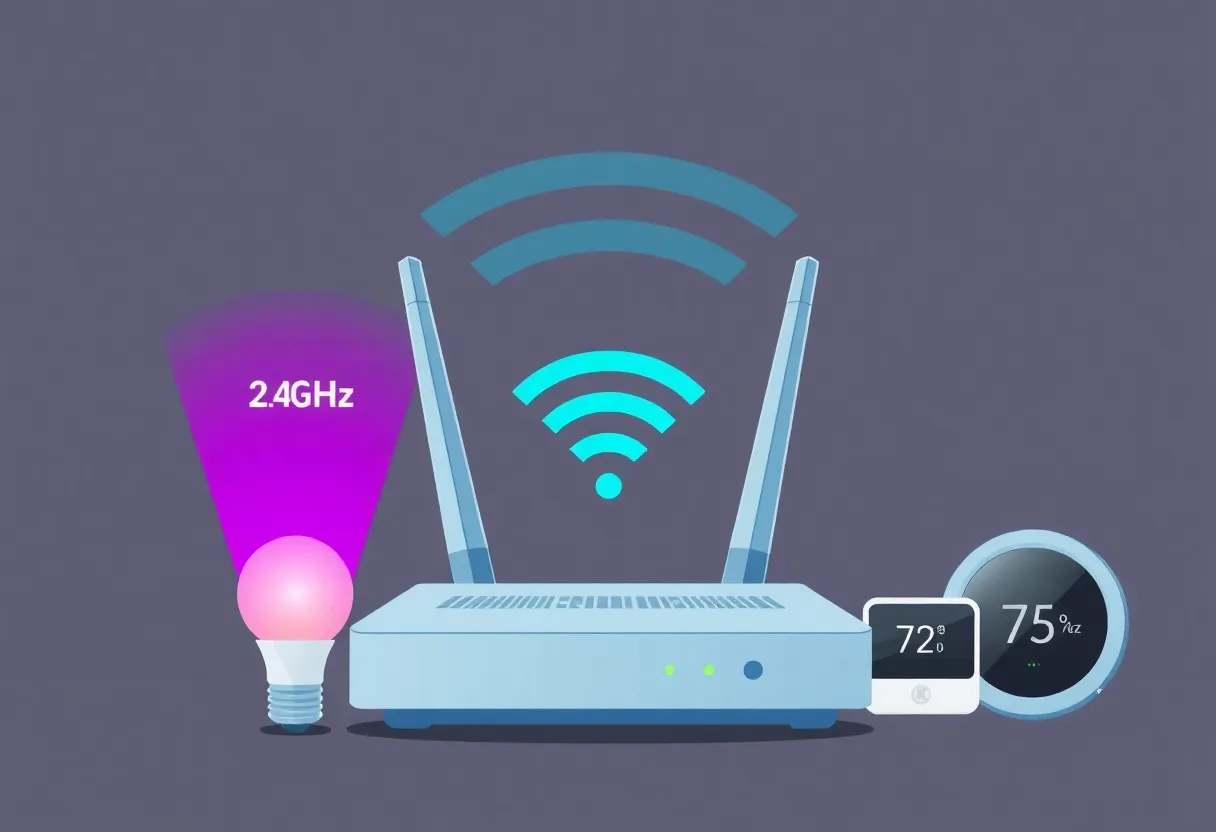
Modern Wi-Fi routers often combine 2.4GHz, 5GHz, and 6GHz frequency bands under a single network name. While this approach simplifies connectivity for many devices, older smart home gadgets are typically designed to operate solely on the 2.4GHz band. When these devices attempt to connect to a router that defaults to higher frequencies, they may fail to establish a connection.
Steps to Resolve the Problem
To connect your older smart home devices, follow these steps:
- Access Router Settings: Use a computer, tablet, or smartphone to log into your router’s settings. This can often be done by entering the router’s IP address into a web browser.
- Disable Higher Frequency Bands: Navigate to the wireless settings section and temporarily turn off the 5GHz and 6GHz bands. This action will leave only the 2.4GHz band active.
- Connect Your Devices: With the 2.4GHz band enabled, proceed to set up your older smart home devices as usual.
- Revert Router Settings: After successfully connecting your devices, return to the router settings and re-enable the 5GHz and 6GHz bands to restore optimal Wi-Fi performance.
Additional Considerations
Some routers, like the Eero mesh system, offer user-friendly apps that allow you to manage these settings conveniently. For instance, the Eero app provides a “Troubleshooting” section where you can pause the 5GHz radio for about 10 minutes to assist in device setup. Refer to your router’s user manual or support website for specific instructions tailored to your model.
Conclusion
By temporarily adjusting your router’s settings to prioritize the 2.4GHz band, you can successfully connect older smart home devices to your network. This approach ensures compatibility without permanently compromising the performance benefits of newer Wi-Fi frequencies.
Frequently Asked Questions
Why do some older smart home devices only work with the 2.4GHz band?
Older devices were designed before the introduction of higher frequency bands like 5GHz and 6GHz. As a result, they are only compatible with the 2.4GHz band.
Will disabling the 5GHz and 6GHz bands affect my internet speed?
Temporarily disabling these bands will reduce your Wi-Fi speed, but this is only during the setup process for your older devices. Once the devices are connected, you can re-enable the higher frequency bands to restore optimal speeds.
How can I access my router’s settings?
Typically, you can access your router’s settings by entering its IP address into a web browser. This information is usually found on a sticker on the router itself or in the user manual.
Is there a way to manage these settings without accessing the router directly?
Some modern routers, like the Eero mesh system, offer mobile apps that allow you to manage settings remotely. Check if your router has a companion app available for download.
Key Features
| Feature | Description |
|---|---|
| 2.4GHz Band | The frequency band compatible with older smart home devices. |
| 5GHz and 6GHz Bands | Higher frequency bands offering faster speeds but may not be compatible with older devices. |
| Router Settings Access | Typically accessed via a web browser using the router’s IP address. |
| Router Management Apps | Mobile applications provided by some routers for easier management of settings. |
Deeper Dive: News & Info About This Topic
HERE Resources